⚠️
1
2
3
Voice to text in every Windows app — email, Word, chat, code editor.
Press a shortcut, speak, done.
Built for real work, not just demos
Vosk-powered local STT. Fast, private, no internet needed for basic use.
OpenAI Whisper for high-accuracy transcription. Auto-detects language from Korean to Arabic.
Auto-correct grammar, punctuation and phrasing after transcription.
Works in any app — browsers, Office, Slack, VS Code, Notepad. Everywhere.
App interface in Korean, English, Japanese, Chinese, Spanish, German and French. Auto-detected.
Checks for new versions on startup. One-click update — no manual downloads needed.
3 steps to voice typing
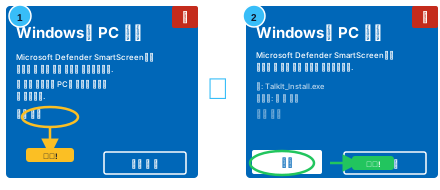
Download the 11 MB installer. It downloads and sets up TalkIt automatically. Under 2 minutes.
Click any text field. Press Ctrl+Shift+M to activate voice input.
Talk naturally. Text appears instantly where your cursor is.
Start free. Upgrade when you need more.
Prices in KRW · ~USD shown for reference · Global card payment coming soon